
Debug = Time Sucking EVIL
I’m telling ya… Most of the time “programming” is actually debugging either your own bugs or framework bugs (.net) or compiler bugs (C# specific). It’s always a pain, no matter what.
I spent 4 fricken days debugging an issue that turns out to be a bug in the System.Drawing .net library that was introduced in v10.x, aka last November (2025). Spent most of yesterday writing work arounds. This is what I get for using .Net/C# to create a map editor. Thankfully, the client side engine is almost far enough along where it would be easy to write the map editor in basic. Would I do it, though? Probably not. C# has decades of QOL features that makes such a port a non-starter.
Still though, 4 days wasted because Microsoft stopped testing its AI generated slop code in this version of visual studio and .net. ugh.
Added special tiles (blocks, etc) conversion and loading in the engine (when I say engine, i mean the game/graphical engine on the client side). This is useful so that the client can determine if a player can move onto a certain tile or not and NOT move the player and NOT send the movement packet if they cannot move there. Saving a little bit of network traffic…
So, back in October 2025(ish). I finish building my “retirement” machine. It was meant to be the end all of machines (until something faster comes along). Supposed to be powerful enough for programming, 4k video editing/special fx, 3d modeling, 2d drawing, the works. And it is working out fine. HOWEVER, the issue… it is not the target machine for players. The target machines are usually laptop specced.. so… I bought a laptop as well just to keep me in the realm of reality of my target audience.
My development machine (custom built) has the following specs:
CPU: Intel Core Ultra 9 285K
RAM: 128 GB
GPU: NVIDIA GeForce RTX 5080
Running at a modest 982 fps:
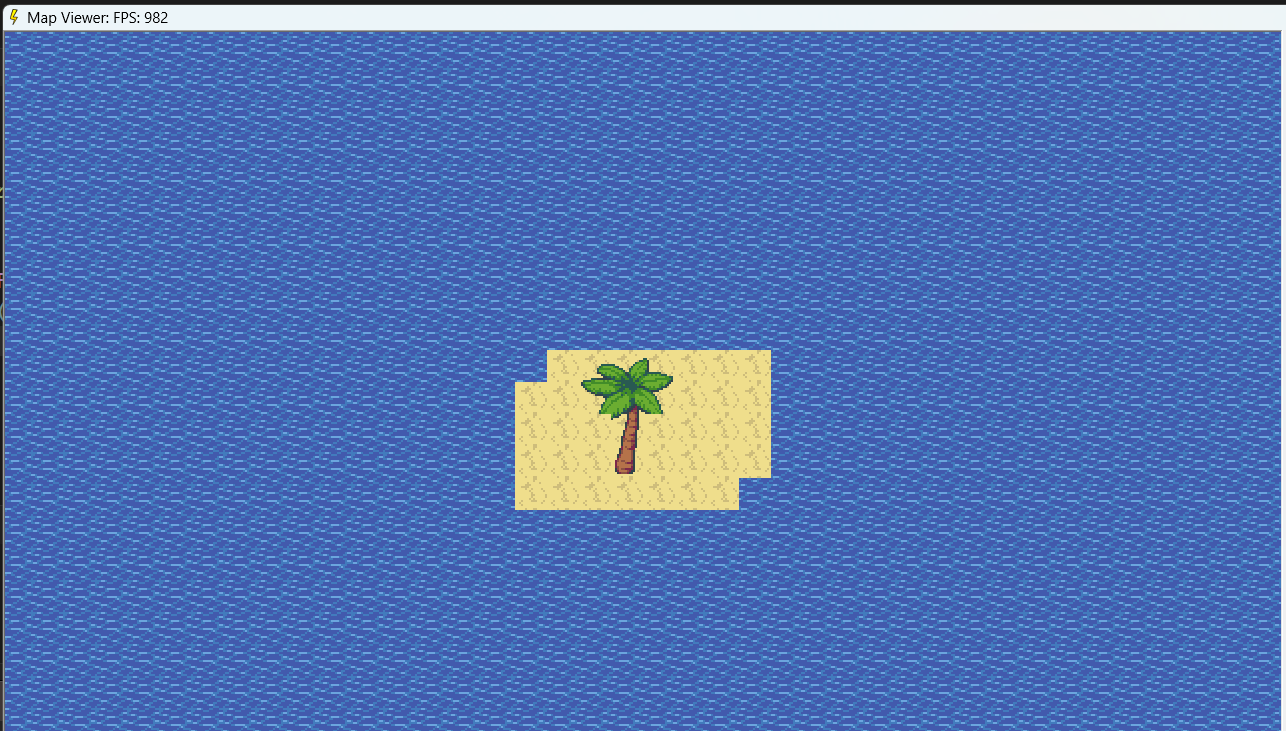
The laptop is running the following specs:
Lenovo Legion 5i 16" Gaming Laptop
CPU: Intel Core i9-14900HX
RAM: 32 GB
GPU: GeForce RTX 4060
Running on a modest 907 fps:
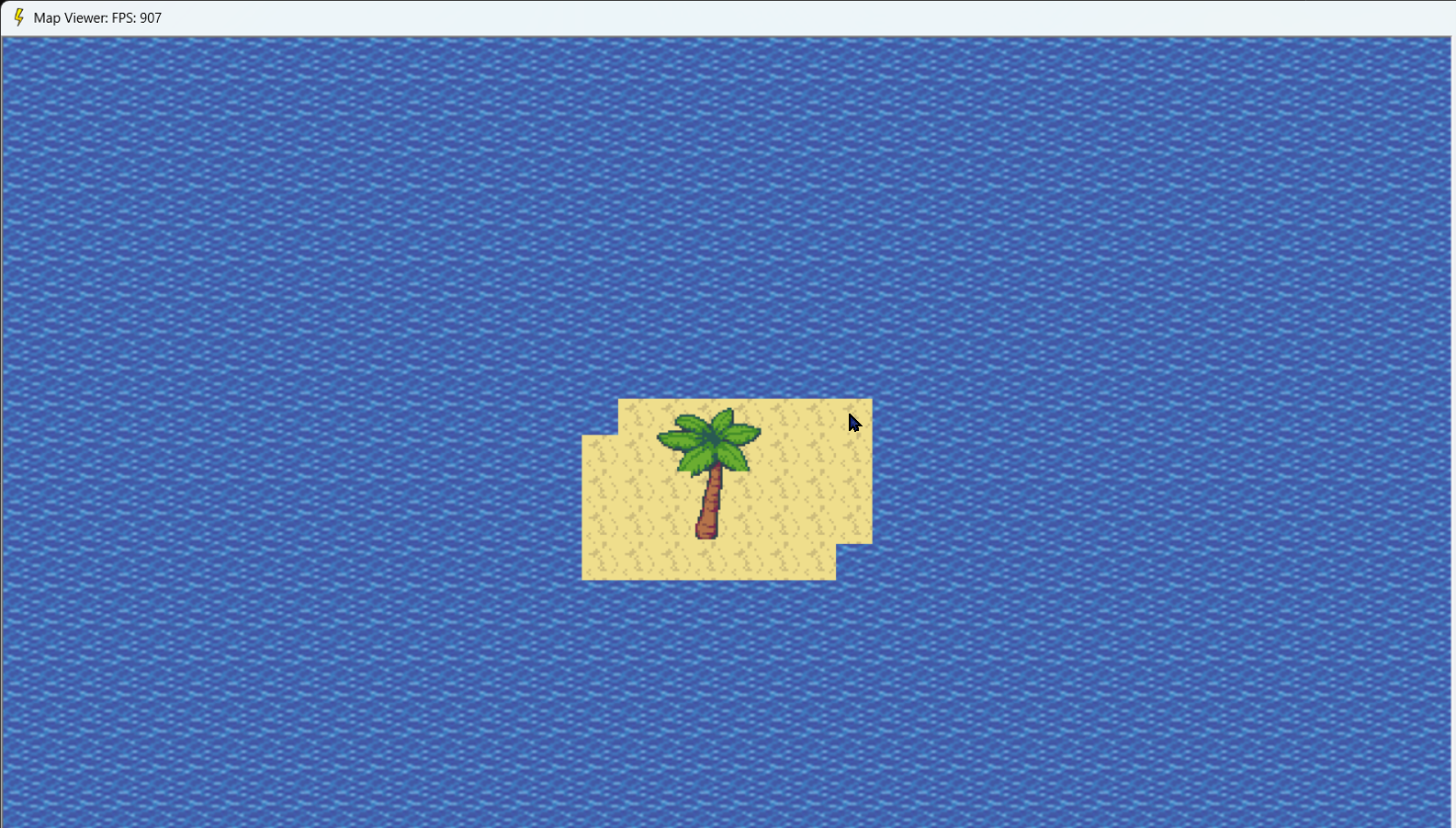
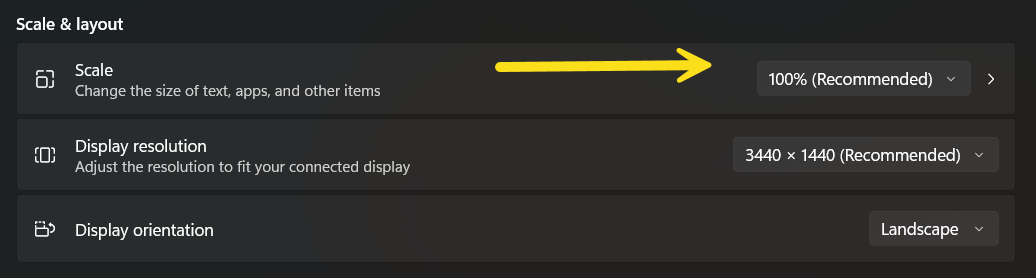
Mind you. DPI is a massive issue with basic languages. My laptop came with the default scaling of 150%, which is normal, else everything is super tiny on the screen. However, DirectX and TB doesn’t play well with DPI at the moment. So if the game renders weirdly on your computer, check the DPI scaling..
This alone might make it worth switching over to SFML for both map rendering and in-game controls. I know that renders properly across resolutions. However, it comes with dependency files. But it might be worth the switch.. Perhaps in a future version…
Last but not least. I added the itch.io link to the top of this page. It’s password protected.. and the password is… x. There is nothing there to download at the moment, but that should change soon. Mind you, when it comes time to download, you need to download/install via itch.io client. The game must also be ran from the itch.io client (and soon, steam client). It won’t run otherwise (I think).